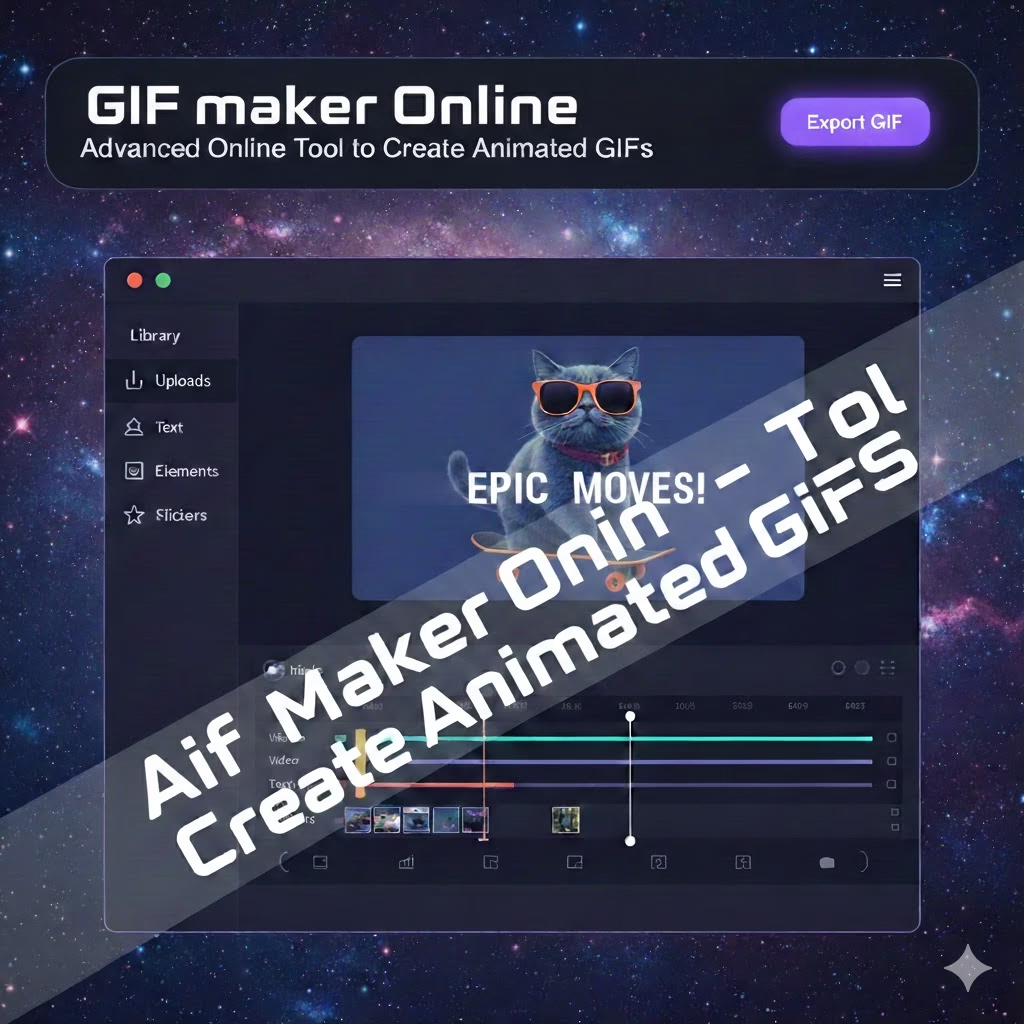
GIF Maker Online – Create Animated GIFs Fast & Free
GIF Maker Online lets you turn images or videos into animated GIFs instantly. Fast, free, mobile-friendly, and no watermark required. Easy-to-use tool Gif Maker Online – Converttoolsonline.com
GIF Maker Pro – Create HD Animated GIFs
Convert multiple images into high quality animated GIFs without watermark. Works on mobile and desktop.
Professional Online GIF Maker
GIF Maker Pro by ConvertToolsOnline allows you to create high quality animated GIFs from images. This tool is ideal for social media, WhatsApp, marketing banners, product demos, and website animations.
Image to GIF Converter
Upload multiple photos, arrange them, adjust animation speed, and generate an HD animated GIF instantly. No watermark, no software installation, and no signup required.
Why Use GIF Maker Pro?
Unlike other free tools, our GIF Maker Pro is fast, secure, and works directly in your browser. Your images never leave your device. It is optimized for mobile users and professional creators.
GIF Maker Online – Create Animated GIFs Free
Turn your photos into beautiful animated GIFs instantly. 100% free, fast, mobile friendly and no watermark. Best online GIF creator for everyone.
Start Creating GIFFree GIF Maker Online
ConvertToolsOnline GIF Maker helps you create high quality animated GIFs from images in just a few clicks. You can upload JPG, PNG or WebP images, arrange them and convert them into a smooth animated GIF instantly. No software installation, no registration and no technical skills required.
Why Use Our GIF Maker?
Fast & Simple
Create GIFs in seconds with just image upload and click. No complicated settings.
100% Free
No signup, no payment and no watermark on your GIFs.
Mobile Friendly
Works smoothly on Android, iPhone and desktop browsers.
High Quality
Optimized GIF output with smooth animation and small file size.
How to Make a GIF Online
Step 1 – Upload your images.
Step 2 – Arrange images in the order you want.
Step 3 – Click “Create GIF”.
Step 4 – Download your animated GIF instantly.
Best Online GIF Creator
Our online GIF maker is designed for social media users, marketers, designers and everyday people who want to create animated images easily. You can use it to make GIFs for WhatsApp, Instagram, Facebook, websites and presentations.
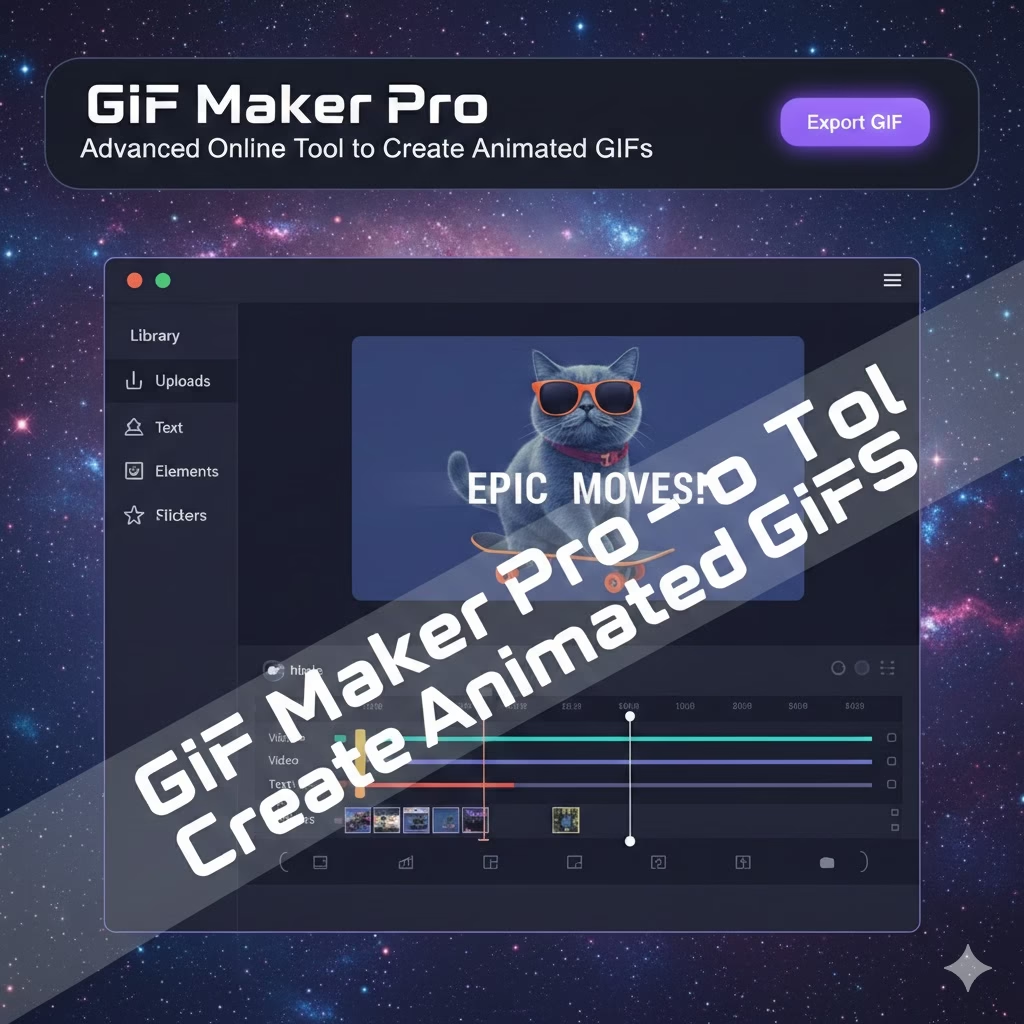
GIF Maker Pro – Advanced Online Tool to Create Animated GIFs
GIF Maker Pro lets you create high-quality animated GIFs online from images or videos. Fast, easy, and free to use, it works on mobile and desktop without watermarks or sign-up. Gif Maker Pro Tool Easy to use Converttoolsonline.com
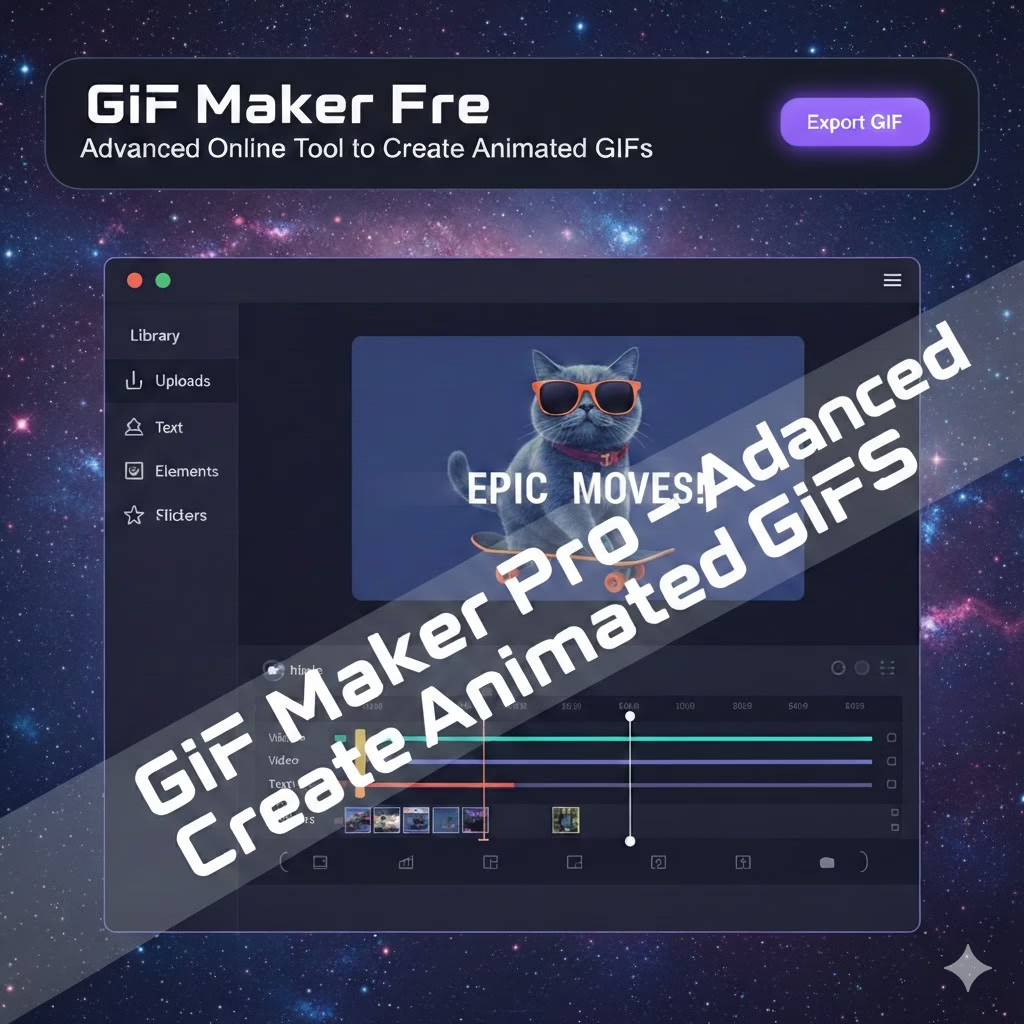
GIF Maker Free
Free allows you to create animated GIFs from images without any cost. Upload photos, arrange them, and generate smooth GIFs instantly. No watermark, no signup, and it works easily on mobile and desktop devices.
GIF Maker from Video
GIF Maker from Video allows you to convert video files into animated GIFs online. Upload your MP4 or other video, choose the part you need, and download a high-quality GIF ready for sharing on any platform.
GIF Maker from YouTube
The YouTube Gif Maker helps you convert YouTube videos into animated GIFs. Paste the video link, select a scene, and create a shareable GIF for social media, websites, or messages quickly without needing any software
Frequently Asked Questions – GIF Maker (ConvertToolsOnline.com)
Q1: What is a GIF Maker?
A GIF Maker is an online tool that allows you to create animated GIFs from images or videos. On ConvertToolsOnline.com, you can upload your files, arrange them, and generate smooth GIFs ready to share on social media or websites.
Q2: How do I make a GIF online?
To make a GIF online at ConvertToolsOnline.com, upload your images or video, arrange the sequence, adjust settings like speed or size if needed, and click “Create GIF.” The tool will generate a downloadable animated GIF instantly.
Q3: Can I create GIFs from YouTube videos?
Yes, on ConvertToolsOnline.com, you can convert YouTube videos into GIFs. Simply paste the video link, select the part you want, and generate your GIF without downloading the video.
Q4: Is it free to use a GIF Maker?
Yes! ConvertToolsOnline.com offers a completely free GIF Maker. You can create GIFs without signing up, paying, or adding watermarks.
Q5: Can I use a GIF Maker on mobile devices?
Absolutely! ConvertToolsOnline.com is mobile-friendly. You can create, edit, and download GIFs directly from Android, iPhone, tablets, and desktop browsers.
Q6: What file formats are supported?
ConvertToolsOnline.com supports JPG, PNG, and WebP images. For videos, MP4, MOV, and WebM formats are supported for GIF conversion.
Q7: How long does it take to create a GIF?
Creating a GIF on ConvertToolsOnline.com is very fast. Depending on the number of images or video length, it usually takes just a few seconds to a minute to generate the final animated GIF.